
Restore right click
Open the browser’s native context menu again on supported websites.
Enable right click, text selection, copying, image actions, and dragging on supported websites—with controls remembered separately for each site.
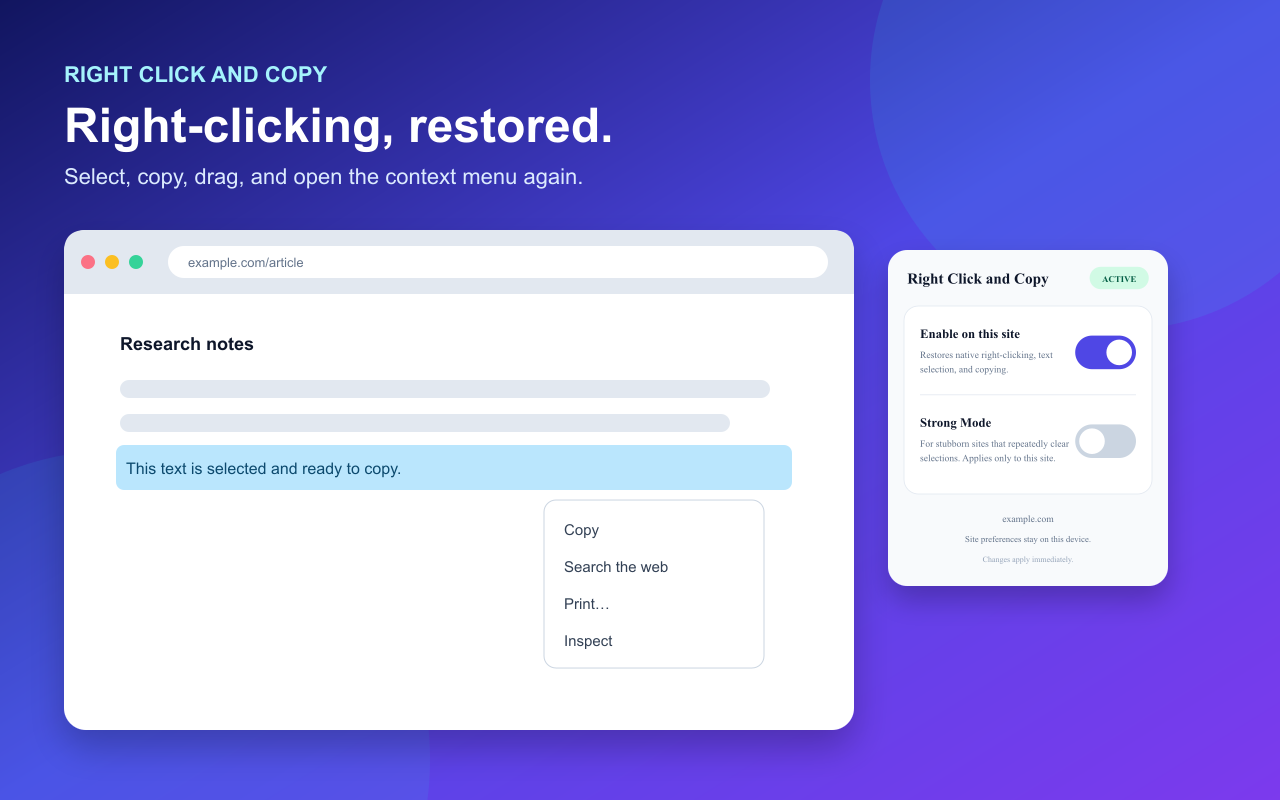
Changes apply immediately and stay local to your device.
A small extension for the browser actions websites sometimes disable.
Open the browser’s native context menu again on supported websites.
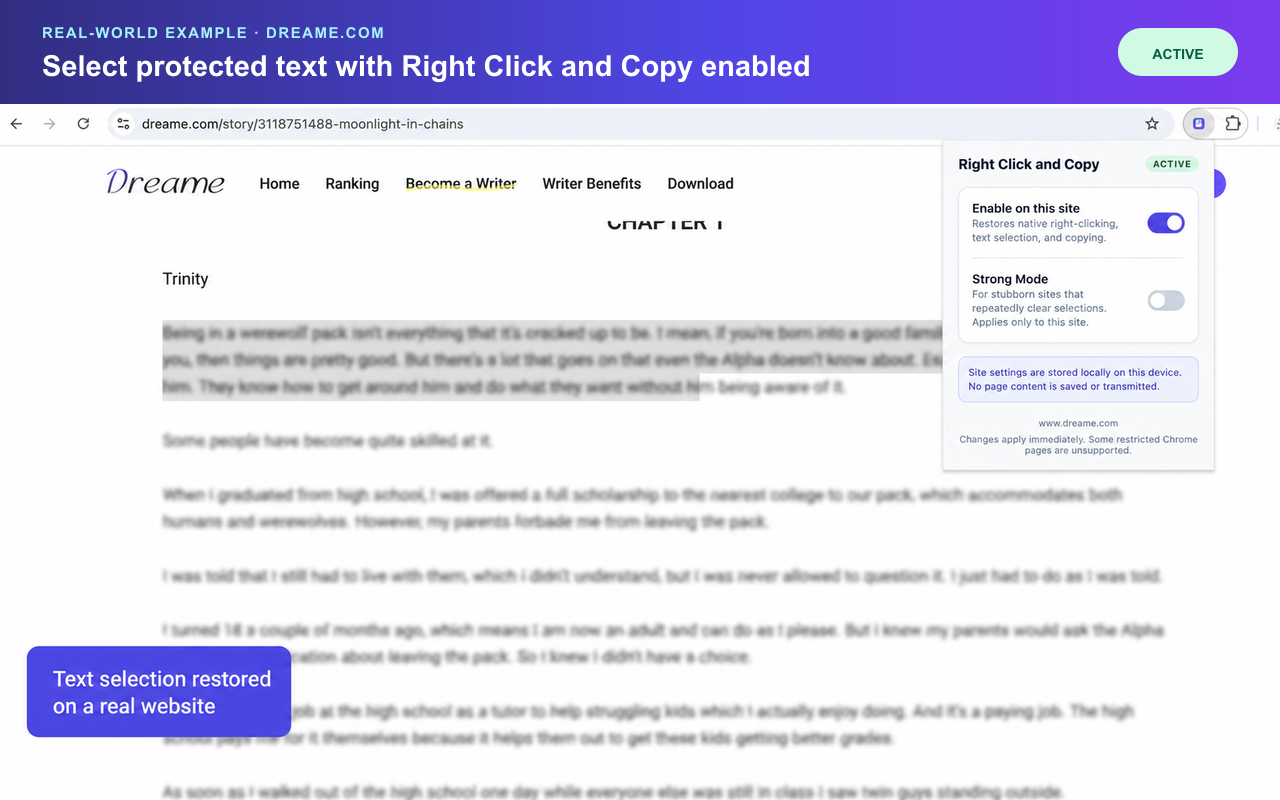
Highlight useful passages and use normal browser copy actions.
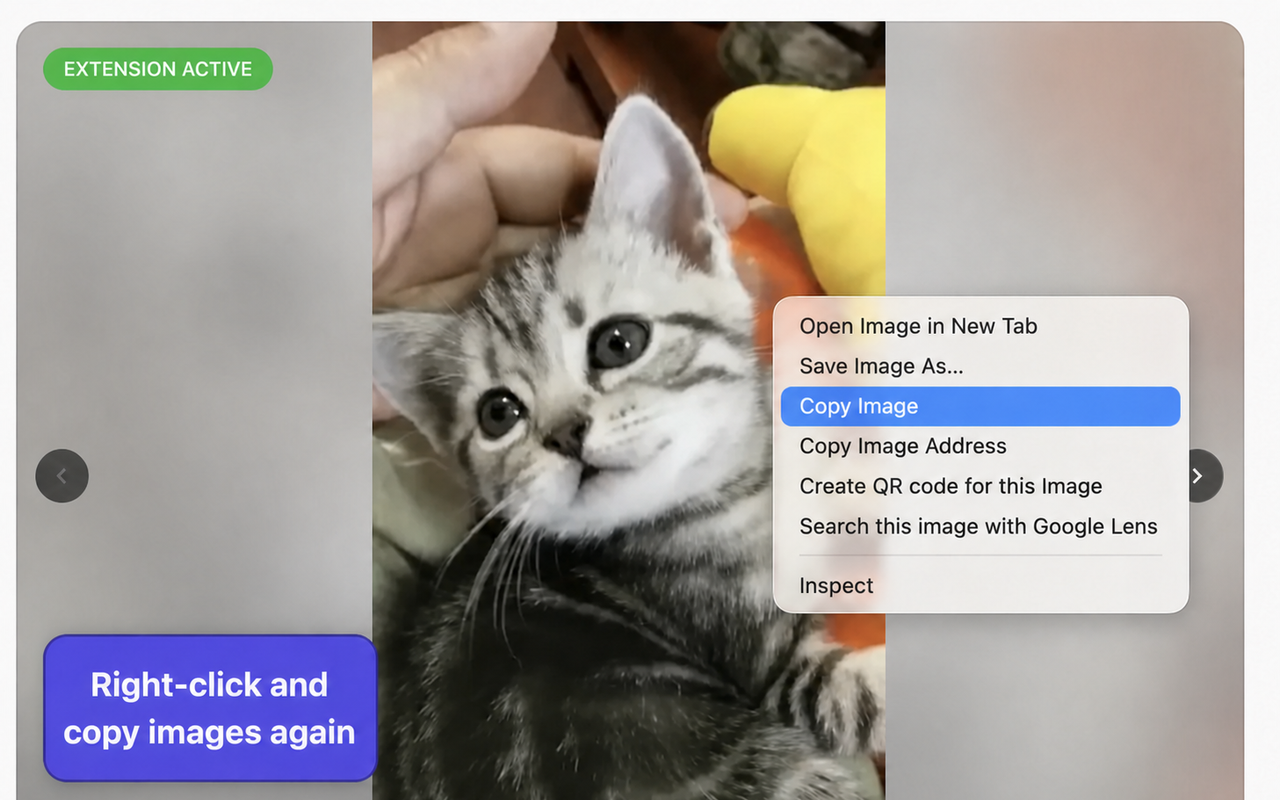
Access Copy Image, Save Image As, Open Image in New Tab, and more.
Opt in per site when a stubborn page repeatedly clears fresh selections.
Enable, pause, or strengthen the extension separately for each hostname.
Use the clean toolbar popup without creating an account or leaving the page.
Actual examples of restored text selection and image context-menu actions.
The extension works locally in your browser. It has no account, advertising, analytics, remote code, or external server.
View the complete privacy policyUse Right Click and Copy responsibly and always respect copyright, paywalls, licenses, and each website’s terms.